

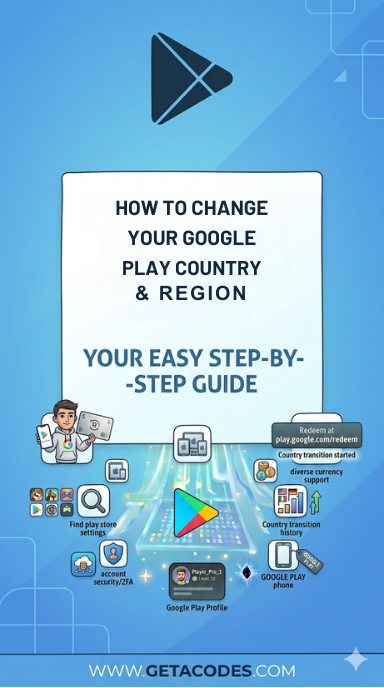
Important: After setting your Google Play country for the first time, you must wait at least 90 days before you can change Google Play Store country again. The same 90-day rule applies between all future changes. In some cases, extra restrictions may also apply.
Your Google Play country determines what apps, games, and content are available in the store and within apps, and this can vary by region.
To switch to a new country or region, you must be physically located there and use a payment method issued in that country or region.
If you are part of a Google Family group, changing your Google Play country or region is not allowed.
What happens when you change your Google Play country
When you change Google Play Store country or region, you might lose access to certain books, movies, TV shows, games, and apps.
Change your Google Play country

- On your Android device, open the Google Play Store app .
- At the top right, tap the profile icon.
- Tap Settings General Account and device preferences Country and profiles.
- Tap the country where you want to add an account.
- Follow the on-screen instructions to add a payment method for that country.
 .
. General
 Get Google Play Gift Cards for any region on getacodes and unlock apps and games instantly.
For more information, visit the official website.
Related Topics:

No comment