

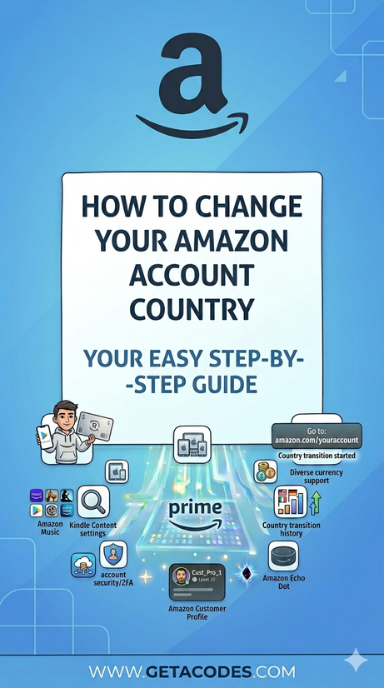
If you’re eligible to buy digital content in another country, you can transfer your qualifying digital purchases by changing your Amazon account country to that region.
Moving your Amazon account to a different country or region will transfer your digital content as well, and it lets you shop in the Kindle Store using your local currency.
You can change Amazon account country or region at any time, as long as you still have an active billing address there.
Important:
- If you create a new Amazon account instead of transferring your existing one, your purchases won’t be shared between accounts, and you’ll need separate login details.
- Amazon accounts from Japan (Amazon.co.jp) or China (Amazon.cn) cannot be transferred to another country or region.
To transfer your Amazon account from your current country to another:
Go to Manage Your Content and Devices, then open Preferences.
Select Change under Country Settings.
Add or select your new address, then click Update.
If you’re eligible to purchase digital content in another country, follow the on-screen instructions to review what will change when transferring your account.
To manually move your digital purchases, go to the Content tab inside Manage Your Content and Devices.
When ready, select the option to transfer your account to complete the process.
To switch back later, repeat the same steps.
Tips:
Make sure your default address matches your current country of residence to avoid region mismatch issues. You can set it as default under Your Addresses by selecting Set as Default.
Frequently Asked Questions:
- What happens to my Amazon Gift Card balance and payment methods?
Gift card balances and promotional credits do not transfer. They remain tied to your original marketplace, and you’ll need to add new payment methods in the new region. - What happens to downloads and pending orders?
Finish any ongoing downloads before changing regions. Pending digital orders may be cancelled during the transfer. - How long does the process take?
It usually takes a few minutes. During the transfer, some services may be temporarily unavailable, so avoid making purchases.
💡 Pro Tip
For smoother switching, always update your billing address first before changing region.
Get Amazon Gift Cards for any region on getacodes and shop globally with ease.
for more infomation, visit amazon official website.
Related Topics:
How to change your Google Play country

No comment