
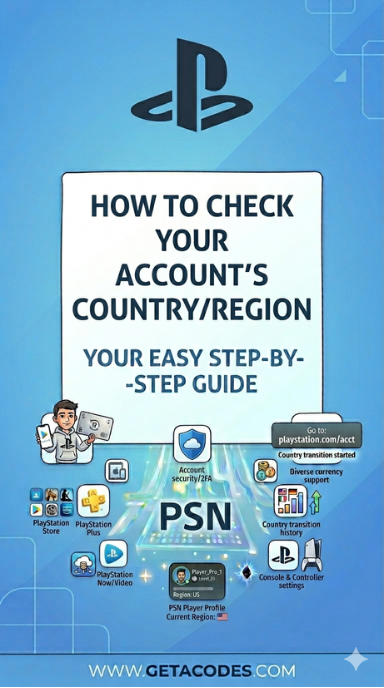
First, make sure you sign up with the correct country or region. This helps you access the right support and local services without issues. In addition, ensure your country or region matches your billing details so you can make purchases and download content smoothly.If you want to check your PlayStation account region, you can verify it anytime through your account settings to confirm that everything matches correctly.
However, keep in mind that once you create your account, you cannot change the country or region later.
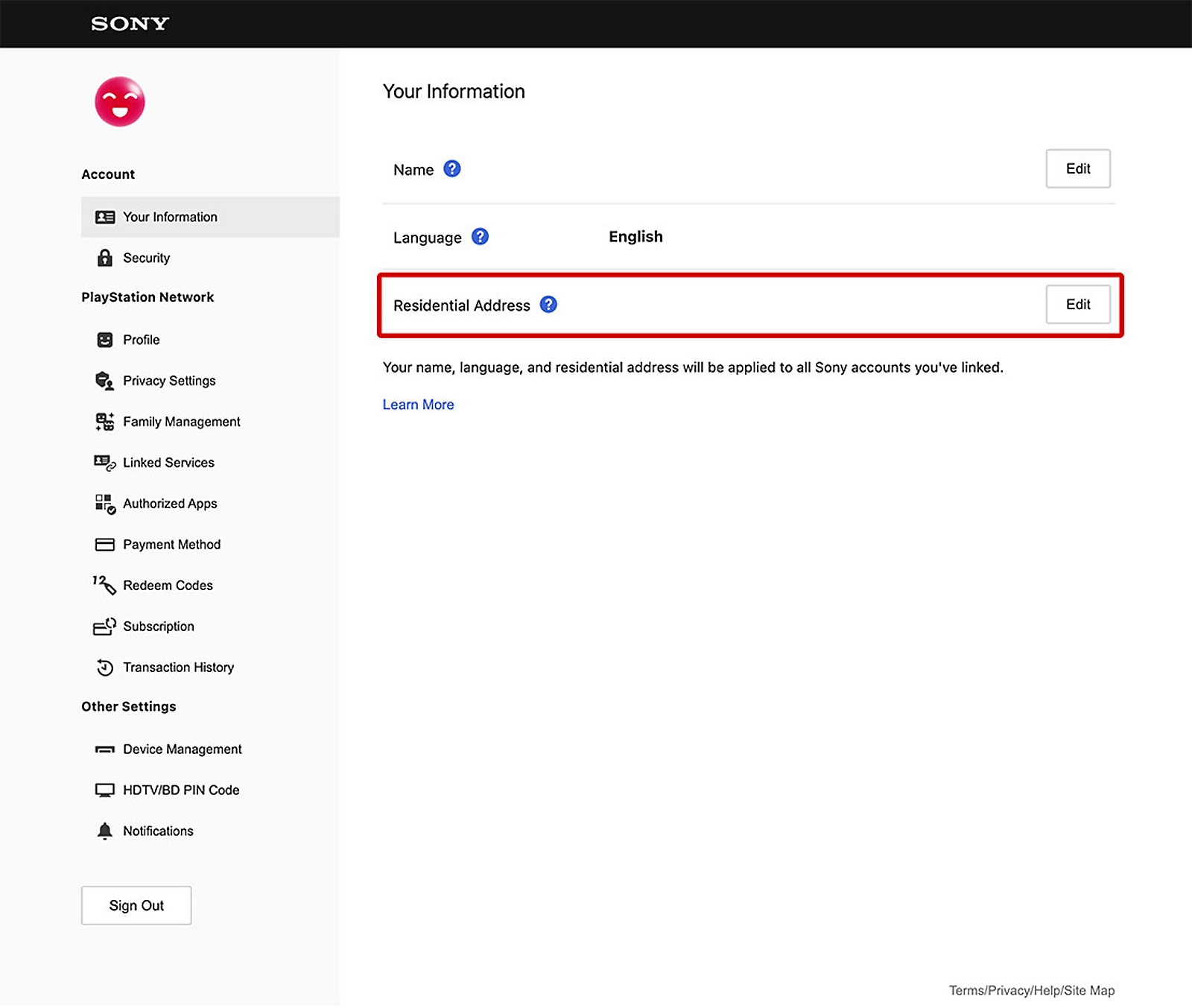
How to check the country/region of your account online
To check your country or region, follow these steps:
- Sign in to Account Management.
- Select Your Information and Edit your Residential Address.
- Your country/region is shown at the bottom.
PlayStation App: Check your account country
- Open the Play screen on the PlayStation app.
- Select the Settings icon.
- Scroll down and select Account Information.
- Select Edit under Residential Address.
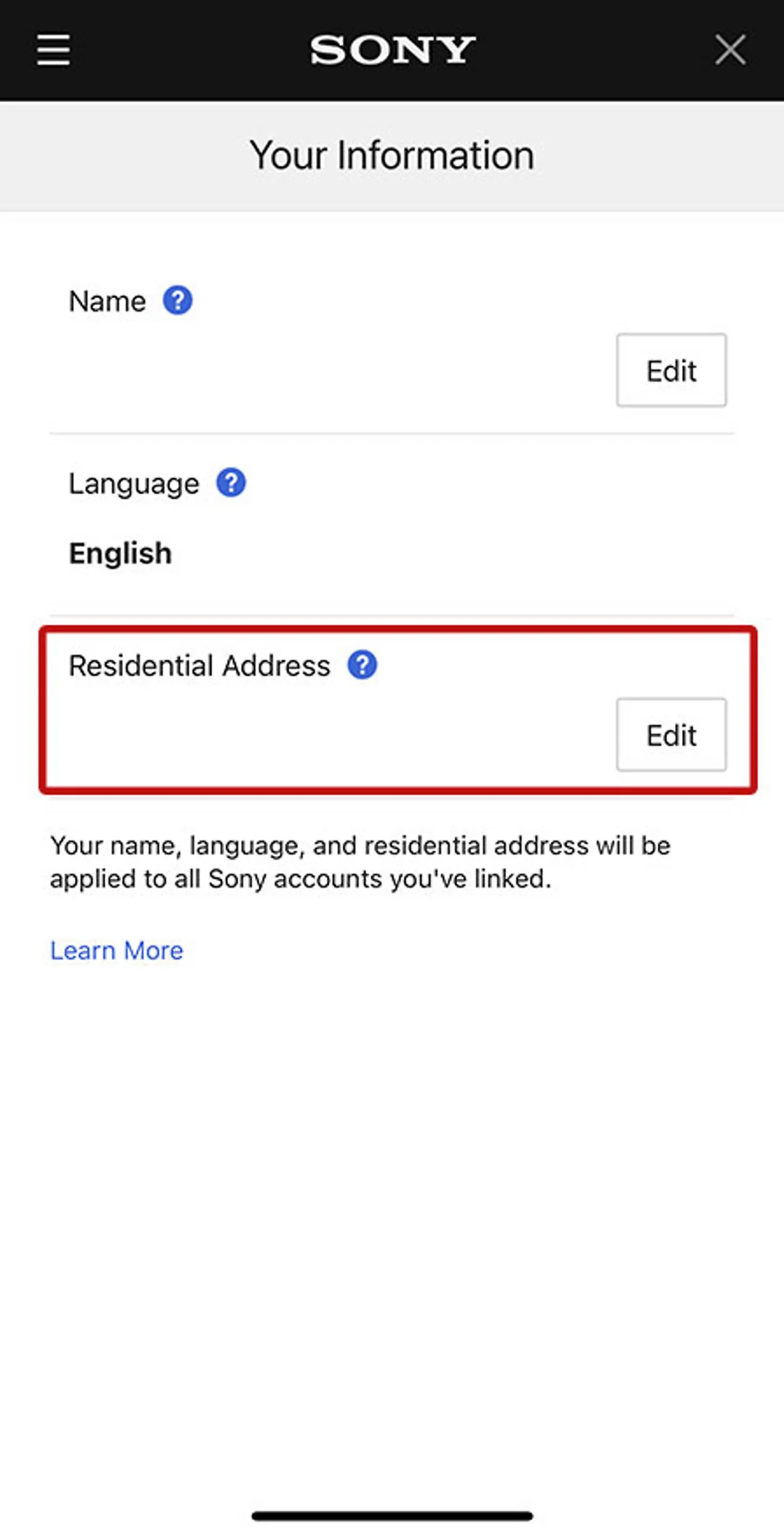
- Select your country or region from the bottom-left corner of the page so that you can view the correct information. In addition, you can also use the PlayStation country selector for extra confirmation.
- Moreover, please note that content and services on the PlayStation Network Store differ depending on the country or region. Therefore, availability may change based on your selected location.
- In addition, add-ons will not work with disc games if the add-on region does not match the game region. For this reason, you should always check the back of the game box for its licensing region. Alternatively, you can contact the retailer to confirm the correct details.
- Furthermore, voucher codes must match your PlayStation Network account region to redeem successfully. Otherwise, the code will not work. In the case of physical vouchers, you will usually find a printed flag that shows the supported country or region.
Can you check PlayStation account region/country on PlayStation?
No. You can’t change your account’s country/region after your account has been created.
💡 Pro Tip
Always match your PlayStation Network region with your gift card region to avoid redemption errors.
Looking to buy PlayStation gift cards for your region? 🎮
Get instant delivery of PlayStation Network gift cards on getacodes and start redeeming games, subscriptions, and content Easily.
👉 Shop now and choose the right region for your account!

No comment