

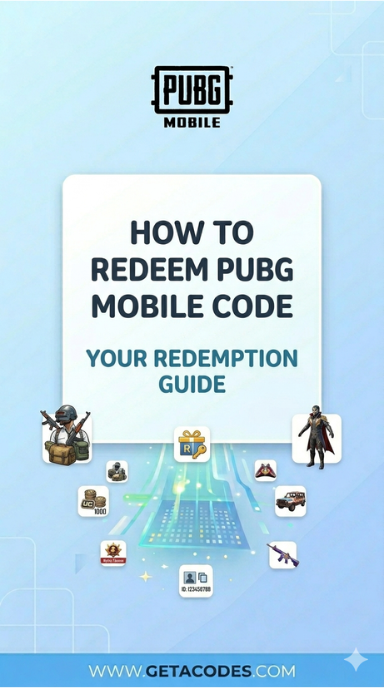
For PUBG redeem code in-game:
- Inside the game, go to Store → Items;

- Click on Add Bonus/Gift Code;
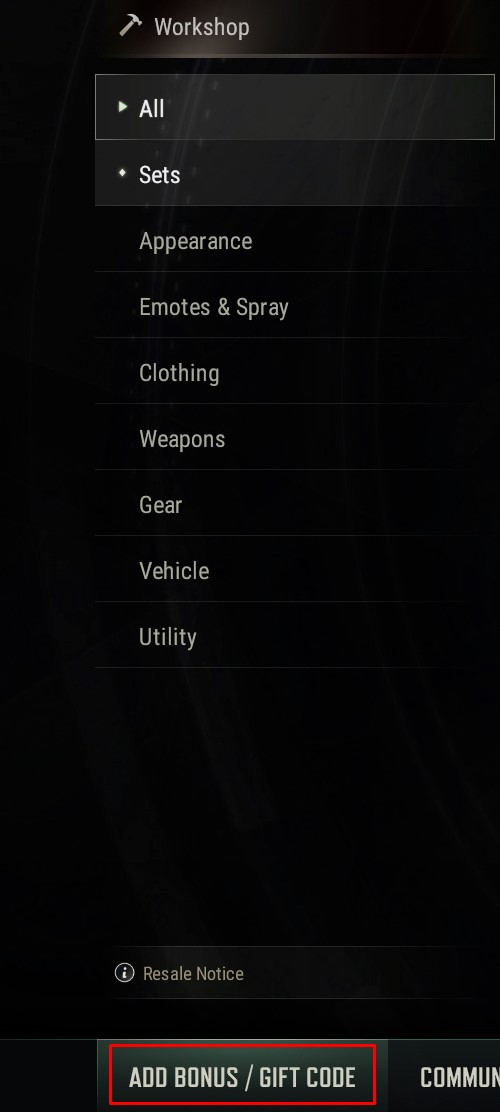
- Type in your code and press Redeem.

For PUBG Mobile codes and items:
- Go to PUBG Mobile Redemption Page;
- Input your Character ID, the redemption code and the verification code;
- Press Redeem.

For PUBG New State codes and items:
- Go to New State Redemption Page;
- Input your code and Account ID;
- Press Redeem.

Find amazing PUBG key offers and grab them at a lower price.

No comment